The everyday differences
Two ways to make a plan.
Compare the work you want to do, and how you want to do it.
Reviewed · View sources
| Your workflow |  Tjati |  TickTick |
|---|---|---|
| Planning | Connected areas, goals, projects, tasks, habits and notes | Task lists with calendar, Kanban and other views[1] |
| Capture | Voice or typed conversation across planning objects | AI voice task capture and natural-language date recognition[1] |
| Routines | Habit check-ins, streaks and history linked to goals | Habit tracking, statistics and Pomodoro focus[1] |
| AI access | Remote MCP with OAuth and explicit scopes; client setup varies | MCP, CLI and OpenClaw connections described in its feature overview[1] |
What this looks like in Tjati
Keep the reason close to the routine.
An example to bring to the conversation
“Help me get back into running. Start small enough that I can actually keep going.”
Getting back into running can involve an outcome you care about, a practice habit and one useful next action. Discuss the intention with Tjati, then review the connected plan it prepares.
Later, record a check-in, capture what changed or adjust the next step. The conversation can include the goal and its context as well as the work for today.
Explore life planning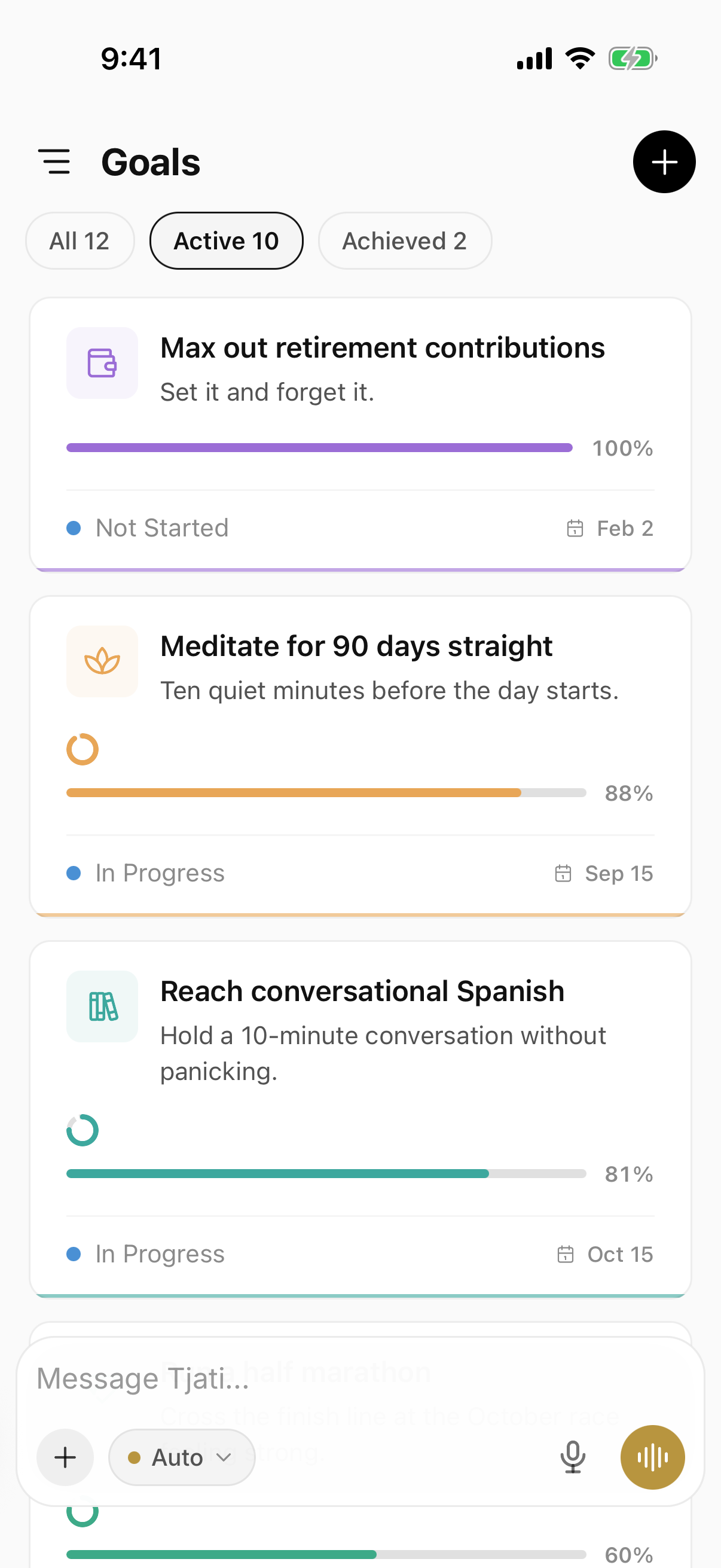

Making the choice
A different planning approach, with real overlap.
Habits, focus tools and AI are available in both products. Consider TickTick if its lists and views suit the way you like to work. Consider Tjati if discussing the connections would make the plan easier to maintain.
Calendar support deserves its own check. Tjati’s mail and calendar connections have separate release status, described on the integrations page.
Before you decide
A few things to know.
Does TickTick also offer AI and MCP?
Yes. Its feature overview describes AI voice capture, audio summaries and MCP, CLI and OpenClaw connections. AI access alone is not the distinction; compare how you want to work with the plan.
Should I move everything over at once?
Start with one real goal or routine. Keep your existing setup while you evaluate Tjati, and check the current documentation for import and integration options before planning a move.
What about mail and calendar connections?
Availability has its own release status. Check the integrations page for the current Tjati connections before choosing around a provider.
Sources and how to read this comparison
Written by Tjati. Vendor documentation reviewed .
Product descriptions come from the linked vendor documentation. Recommendations about fit are Tjati's editorial judgment. This is a documentation comparison, not a hands-on test or a ranking. Features and plan availability can change.
Product names and logos belong to their respective owners. Their use here does not imply an affiliation.
Suggest a correction