The everyday differences
Two ways to make a plan.
Compare the work you want to do, and how you want to do it.
Reviewed · View sources
| Your workflow |  Tjati |  ClickUp |
|---|---|---|
| Planning | Purpose-built areas, goals, projects, tasks, habits and notes | Workspace hierarchy with Spaces, optional Folders, Lists and tasks[1] |
| Context | Notes connected to personal planning objects | Docs, Dashboards, Forms and Whiteboards within the hierarchy[1] |
| Sharing | A personal planning workflow across work and life | Private or shared hierarchy locations with access controls[1] |
| AI & goals | Discuss goals and review connected planning changes | Brain questions and AI Fields for goals and OKRs[2] |
What this looks like in Tjati
Keep the person in the plan.
An example to bring to the conversation
“Help me move the launch forward this week and still make time for exercise.”
A launch might be a project connected to a business goal. Exercise might be a habit connected to health. Tjati gives both a place, alongside the tasks and notes that help you follow through.
Talk through what deserves attention and review the changes it prepares. You can start with a next action, a goal or a routine without first configuring a shared workspace.
Explore life planning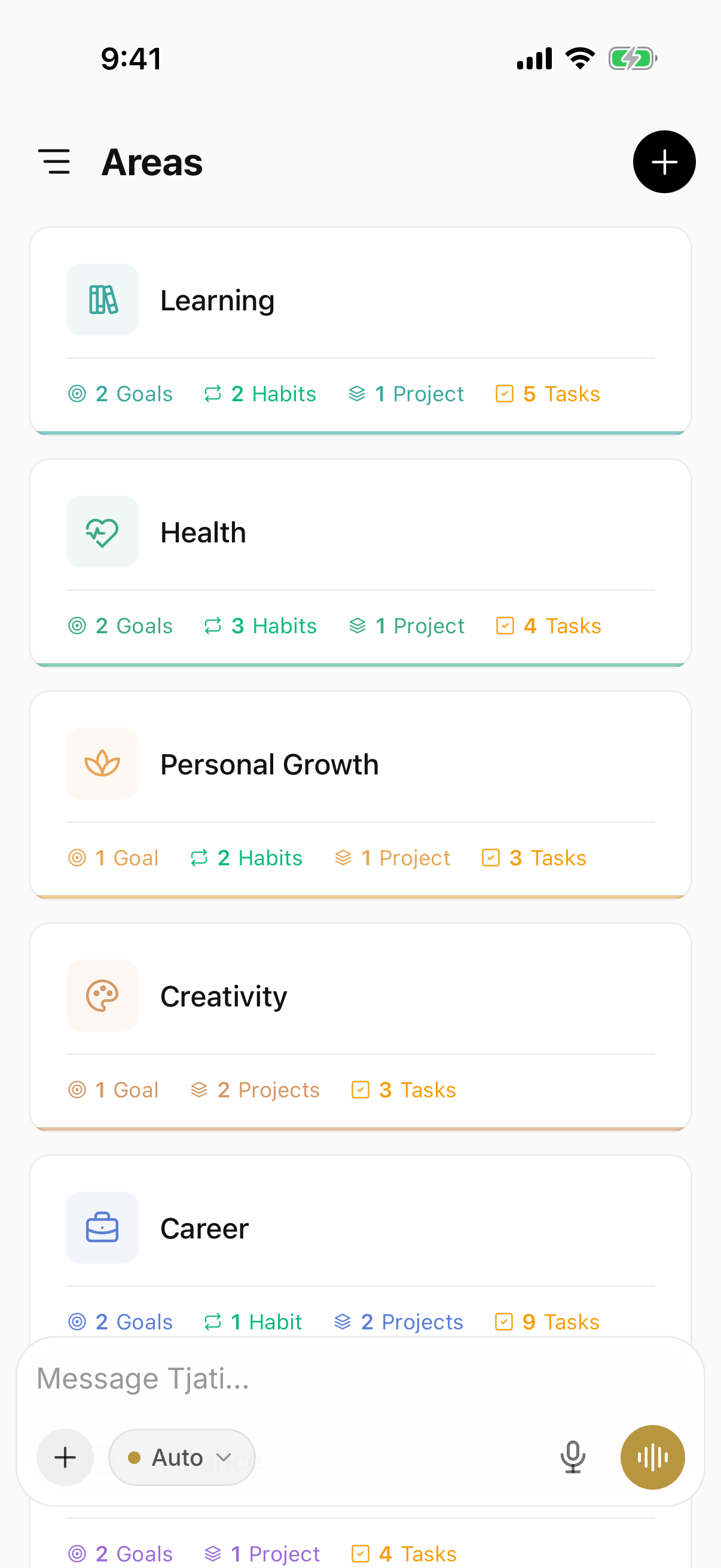

Making the choice
Personal planning and shared work have different needs.
ClickUp is a strong option when you need to configure a workspace around shared projects and workflows. Tjati is worth considering when the plan you want to maintain is your own.
A personal planner does not automatically replace the tools your team uses. Start with the goals and commitments you are responsible for, and evaluate whether the connection between them helps.
Before you decide
A few things to know.
Does ClickUp also support goals and AI?
Yes. ClickUp documents Brain questions about goals and OKRs, along with AI Fields for summaries, progress updates and action items. The distinction to consider is the scope of the planning workflow.
Should I move everything over at once?
Start with one real goal or routine. Keep your existing setup while you evaluate Tjati, and check the current documentation for import and integration options before planning a move.
What about mail and calendar connections?
Availability has its own release status. Check the integrations page for the current Tjati connections before choosing around a provider.
Sources and how to read this comparison
Written by Tjati. Vendor documentation reviewed .
Product descriptions come from the linked vendor documentation. Recommendations about fit are Tjati's editorial judgment. This is a documentation comparison, not a hands-on test or a ranking. Features and plan availability can change.
Product names and logos belong to their respective owners. Their use here does not imply an affiliation.
Suggest a correction