The everyday differences
Two ways to make a plan.
Compare the work you want to do, and how you want to do it.
Reviewed · View sources
| Your workflow |  Tjati |  Things 3 |
|---|---|---|
| Planning | Areas, goals, projects, tasks, habits and notes | Areas, projects and to-dos[2] |
| Capture | Voice or typed conversation across planning objects | Direct to-do entry, natural-language scheduling and Siri capture[1][2] |
| Routines | Dedicated habit check-ins, streaks and history | Repeating to-dos and projects[1] |
| Daily view | Today view and conversational briefings | Today, Upcoming, Anytime and Someday views[1] |
What this looks like in Tjati
Give a repeating practice its own place.
An example to bring to the conversation
“I’d like to read more. Help me turn that into a routine that fits my evenings.”
Reading more can involve a goal, a small reading habit and a note of books you want to return to. Tjati keeps those different pieces connected, with check-ins and history for the habit.
You can capture a next action by talking or typing, then return to the wider plan when you need to adjust it. You do not have to enter every part through a separate form.
Explore life planning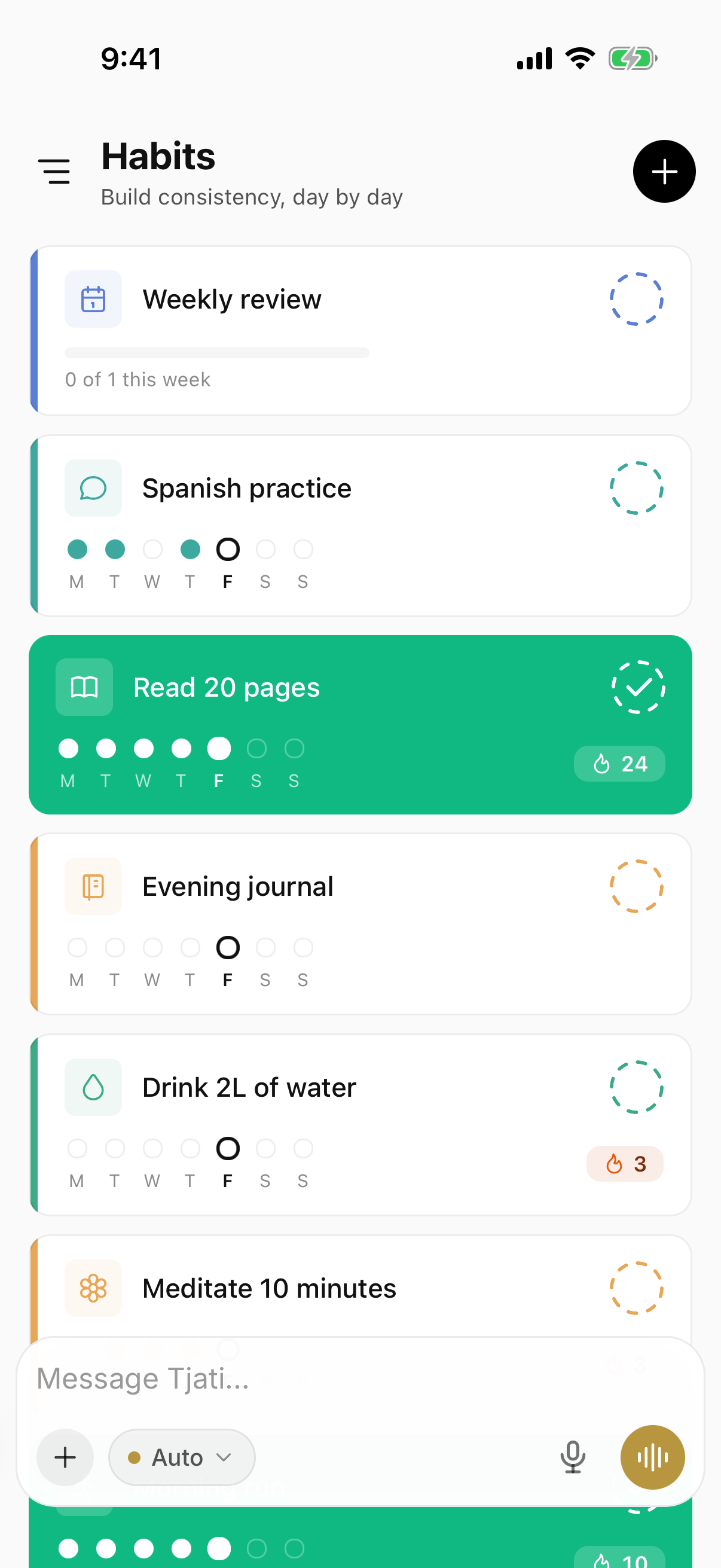

Making the choice
Choose the interaction you enjoy returning to.
If you prefer managing areas, projects and to-dos directly, Things deserves a close look. Consider Tjati if a conversation across your goals, tasks and routines would help you maintain the plan.
Start with a recurring practice as well as a task. That gives you a useful way to judge whether dedicated habits and connected context matter to you.
Before you decide
A few things to know.
Does Things also support voice capture?
Yes. Things documents Siri capture and natural-language scheduling. Evaluate what you want to do after capture: organize to-dos directly, or discuss a connected plan across several kinds of work.
Should I move everything over at once?
Start with one real goal or routine. Keep your existing setup while you evaluate Tjati, and check the current documentation for import and integration options before planning a move.
What about mail and calendar connections?
Availability has its own release status. Check the integrations page for the current Tjati connections before choosing around a provider.
Sources and how to read this comparison
Written by Tjati. Vendor documentation reviewed .
Product descriptions come from the linked vendor documentation. Recommendations about fit are Tjati's editorial judgment. This is a documentation comparison, not a hands-on test or a ranking. Features and plan availability can change.
Product names and logos belong to their respective owners. Their use here does not imply an affiliation.
Suggest a correction